Pay in 4 for your purchase
Shop for what you need now and split your payments over time.
Shop for what you need now and split your payments over time.
Built on trust. Not interest. You’ll never pay extra when you pay on time.
If there’s an issue, we’ll pause your payments and handle it with our Buyer Protection.

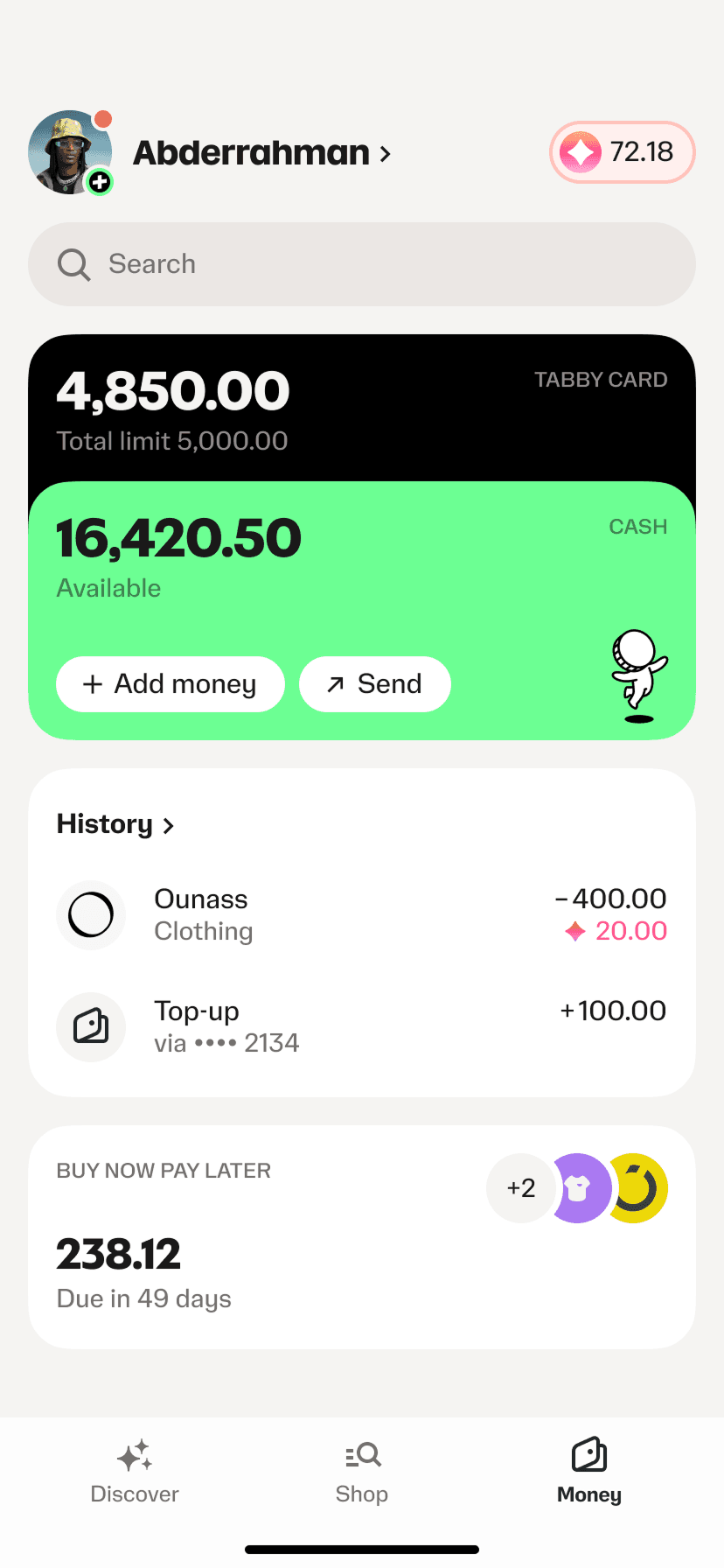
Get what you need or discover new brands on the Tabby app.

Pick Tabby as a payment method at checkout. Sign up, link any card and get instant approval.

Choose Pay in 4 to make your first payment. We’ll keep you on track with reminders and updates.







You have questions? We've got some answers.
The first payment is collected at the time of purchase, and the remaining ones are collected the same day every month according to your plan.
Tabby partners with sellers, who pay a small fee each time Tabby is used at checkout. This helps sellers grow sales, while shoppers get flexible payments with no interest, no fees and no catches.
At Tabby, we promote responsible spending by reviewing each purchase before approval and encouraging on-time payments.
To help you stay on track, we:
If a payment is missed, customers in the UAE may be charged collection fees. Any late payments may also be reported to credit bureaus and could negatively affect your credit score, which may impact your ability to access financial products from other institutions.
Most Tabby online purchases are protected with Buyer Protection, meaning you can shop in full confidence and without worry. If you do encounter an issue with a purchase you made with Tabby, find your order under Pay Later Purchases and report an issue. We’ll put your payments on hold and make returns easy. Find more information under the Buyer Protection Policy.
Depending on your eligibility, you may have options to make your payment plan more flexible after checkout. This can include extending an upcoming payment due date or spreading your remaining balance over more installments. Any available options, costs, and updated payment dates are always shown clearly in the Tabby app before you confirm a change.