إنشاء روابط الدفع من تطبيق تابي للأعمال
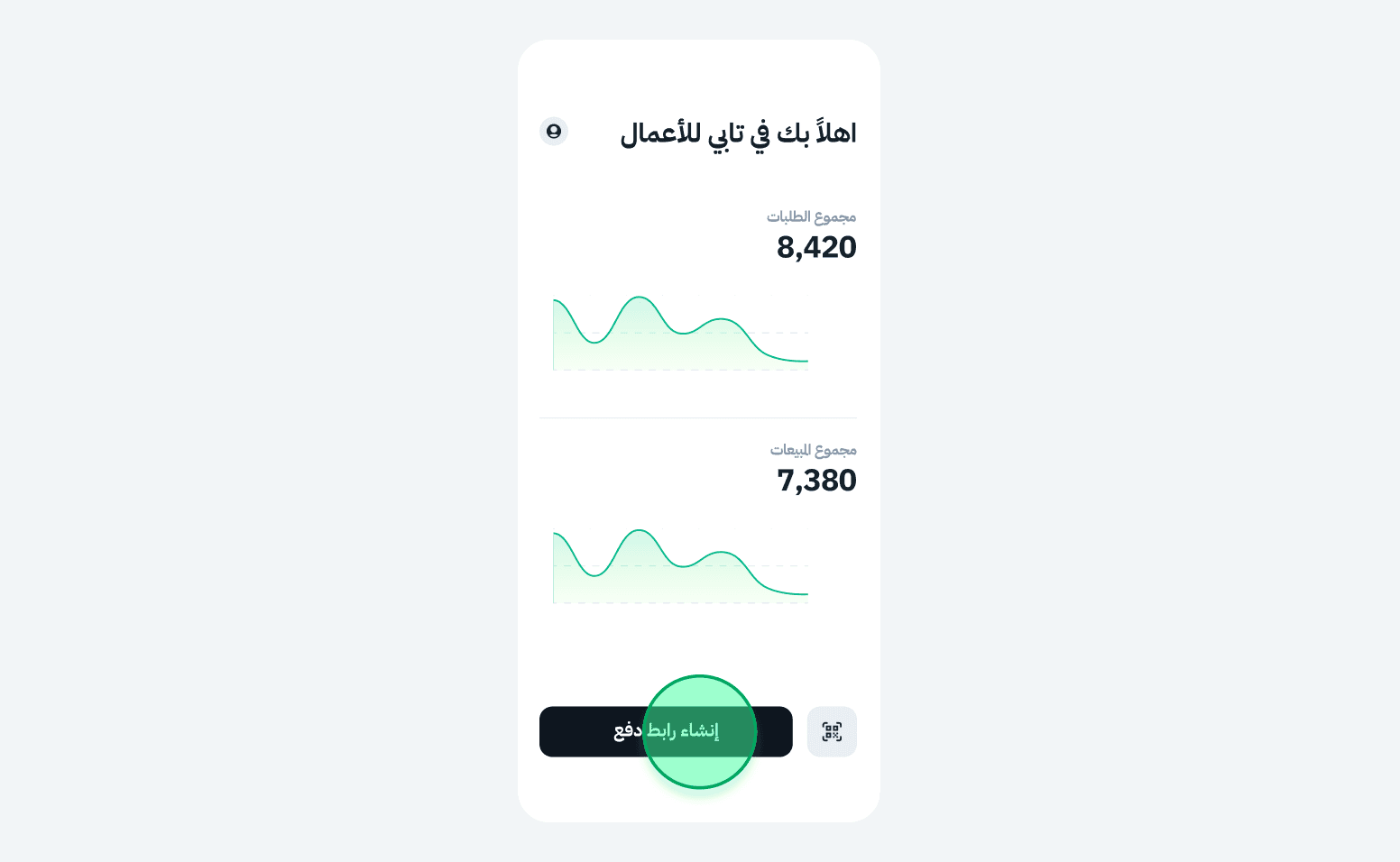
1. اضغط “إنشاء رابط دفع”
ستجد الزر في أسفل الشاشة الرئيسية في التطبيق
ستجد الزر في أسفل الشاشة الرئيسية في التطبيق
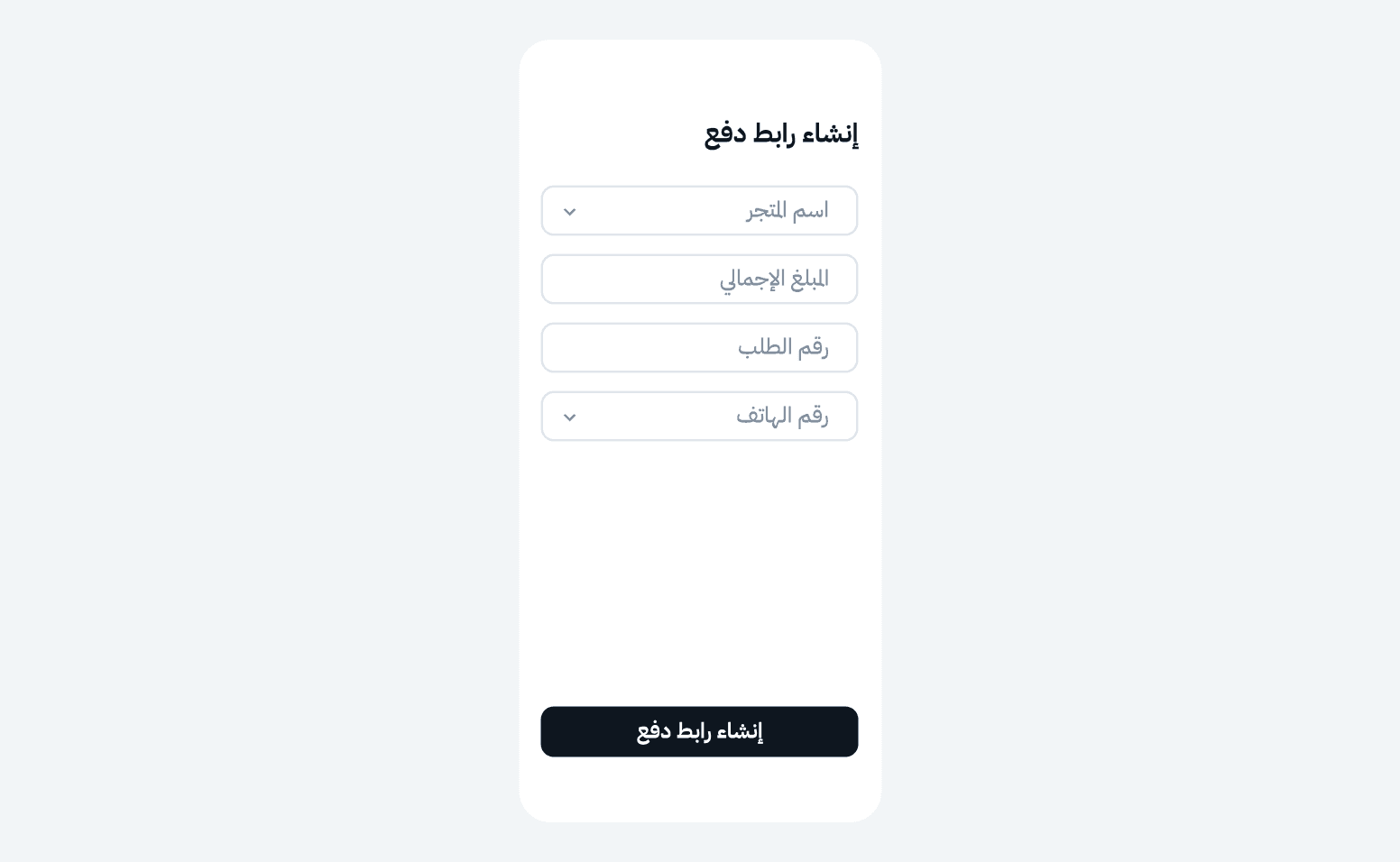
2. أدخل تفاصيل الطلب
- اختر المتجر
- أدخل المبلغ الإجمالي
- أدخل رقم جوال العميل
3. أضف مزيدًا من المعلومات (اختياري)
يمكنك تحديد لغة الدفع، ورقم الطلب، واسم العميل، والبريد الإلكتروني.
يمكنك تحديد لغة الدفع، ورقم الطلب، واسم العميل، والبريد الإلكتروني.
4. اضغط “إنشاء رابط الدفع”
سيصل الرابط إلى العميل عبر رسالة نصية (وعبر البريد إذا تمت إضافته). وإذا لم تنجح الرسالة، يمكنه تصوير رمز الاستجابة الظاهر في التطبيق
سيصل الرابط إلى العميل عبر رسالة نصية (وعبر البريد إذا تمت إضافته). وإذا لم تنجح الرسالة، يمكنه تصوير رمز الاستجابة الظاهر في التطبيق
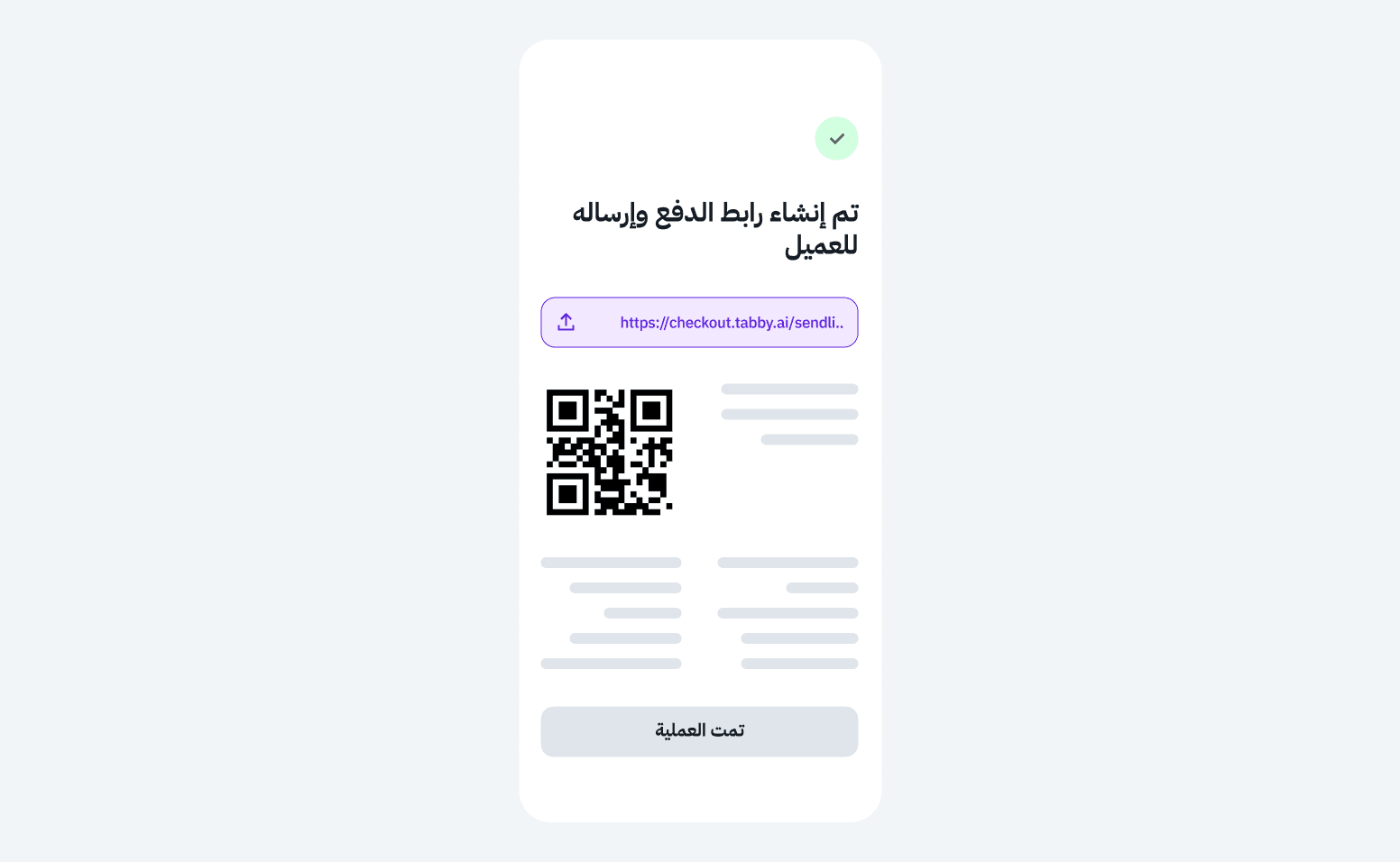
بعد إرسال رابط الدفع
- سيظهر الرابط في قائمة الطلبات الخاصة بك
- ستتحوّل حالة الطلب إلى تم التحصيل بعد الدفع
- يمكنك نسخ الرابط وإعادة إرساله يدويًا إذا لزم الأمر