Creating payment links from the Tabby Business app
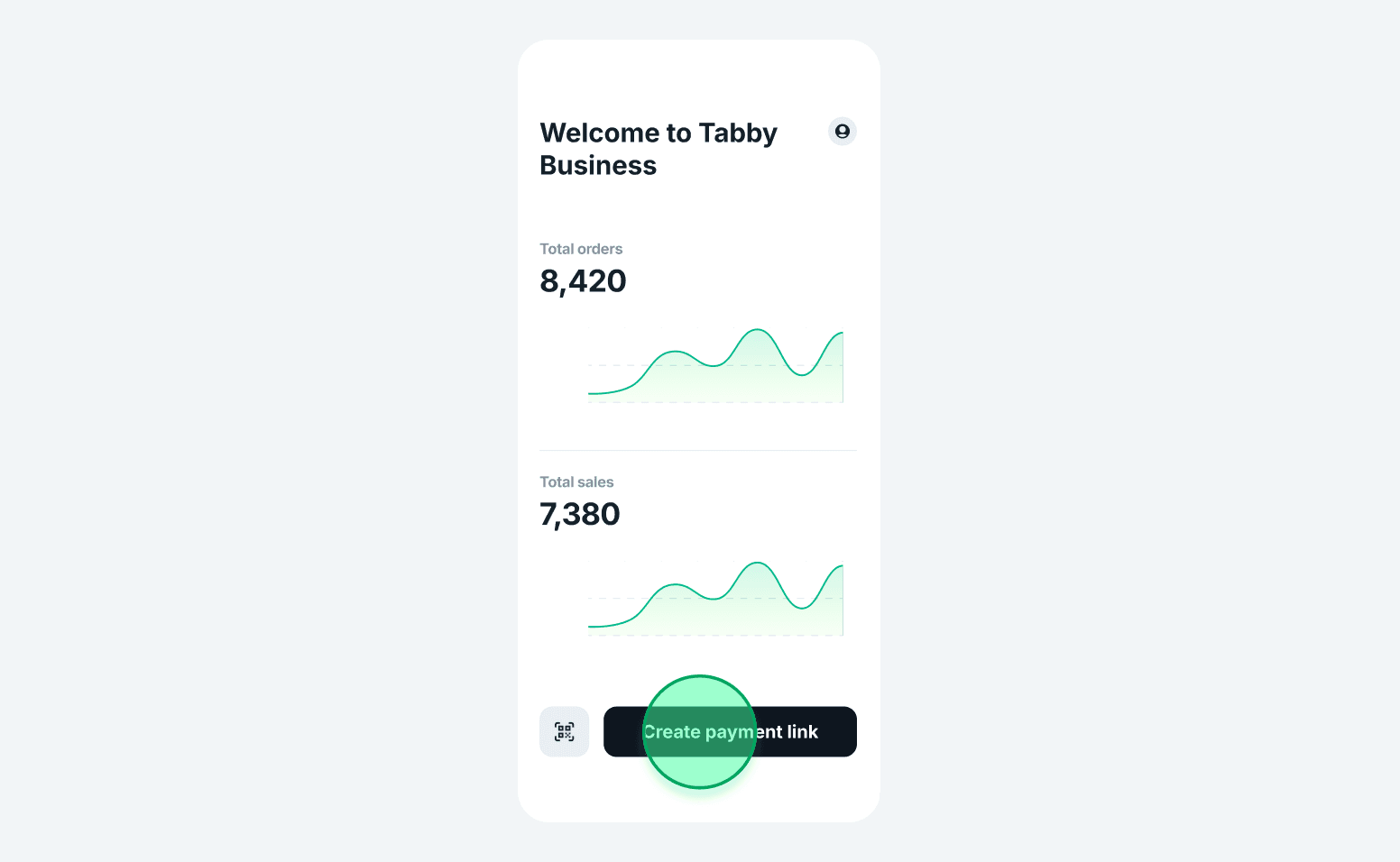
1. Tap 'Create payment link'
Find the Create payment link button at the bottom of your home screen.
Find the Create payment link button at the bottom of your home screen.
2. Enter order details
- Choose your store
- Enter total amount
- Enter shopper's phone number
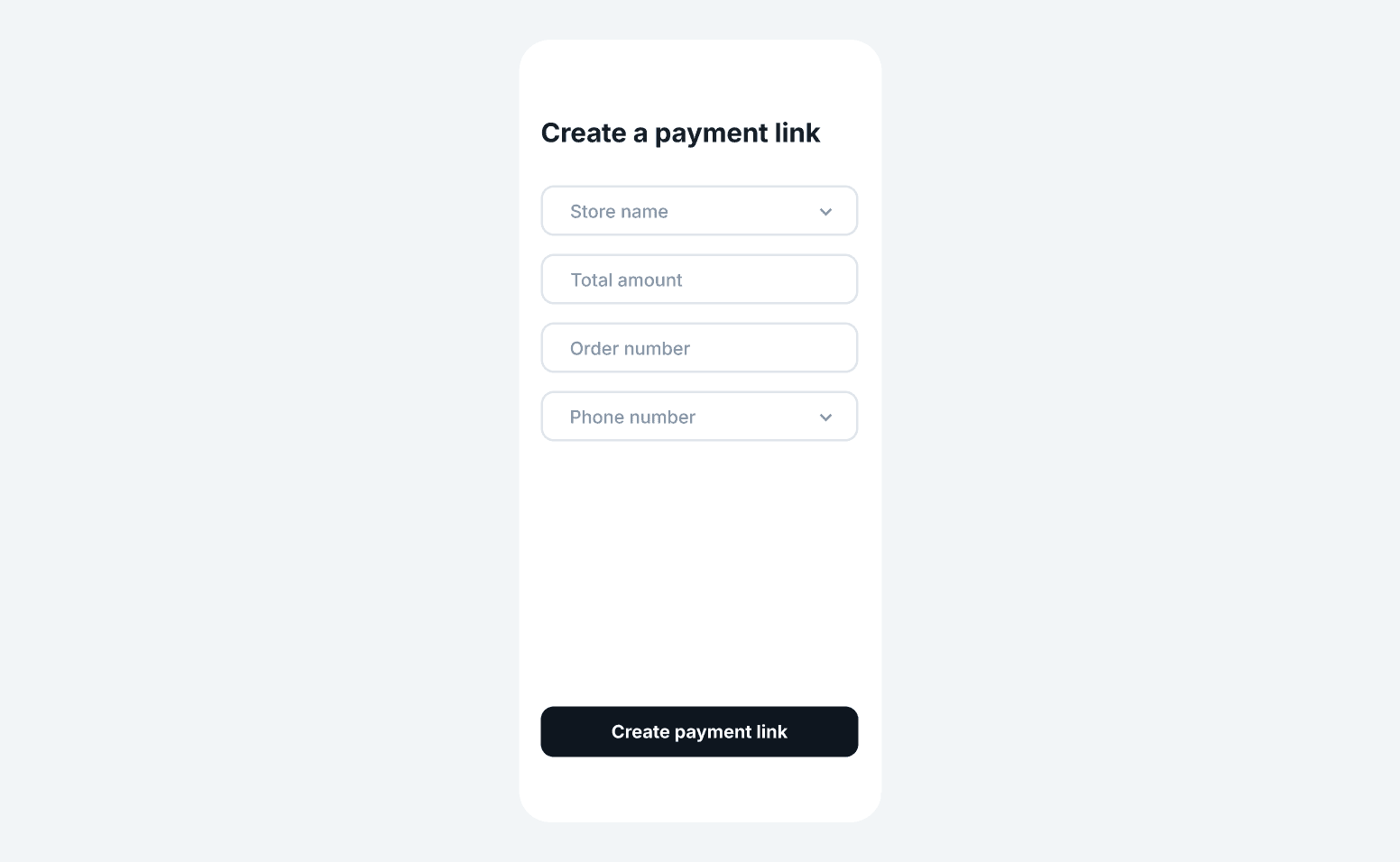
3. (Optional) Add more info
Add checkout language, order number, customer name, and email
Add checkout language, order number, customer name, and email
4. Tap 'Create payment link'
Shopper receives a link via SMS (and email if provided). If SMS doesn’t work, they can scan the QR code shown in the app
Shopper receives a link via SMS (and email if provided). If SMS doesn’t work, they can scan the QR code shown in the app
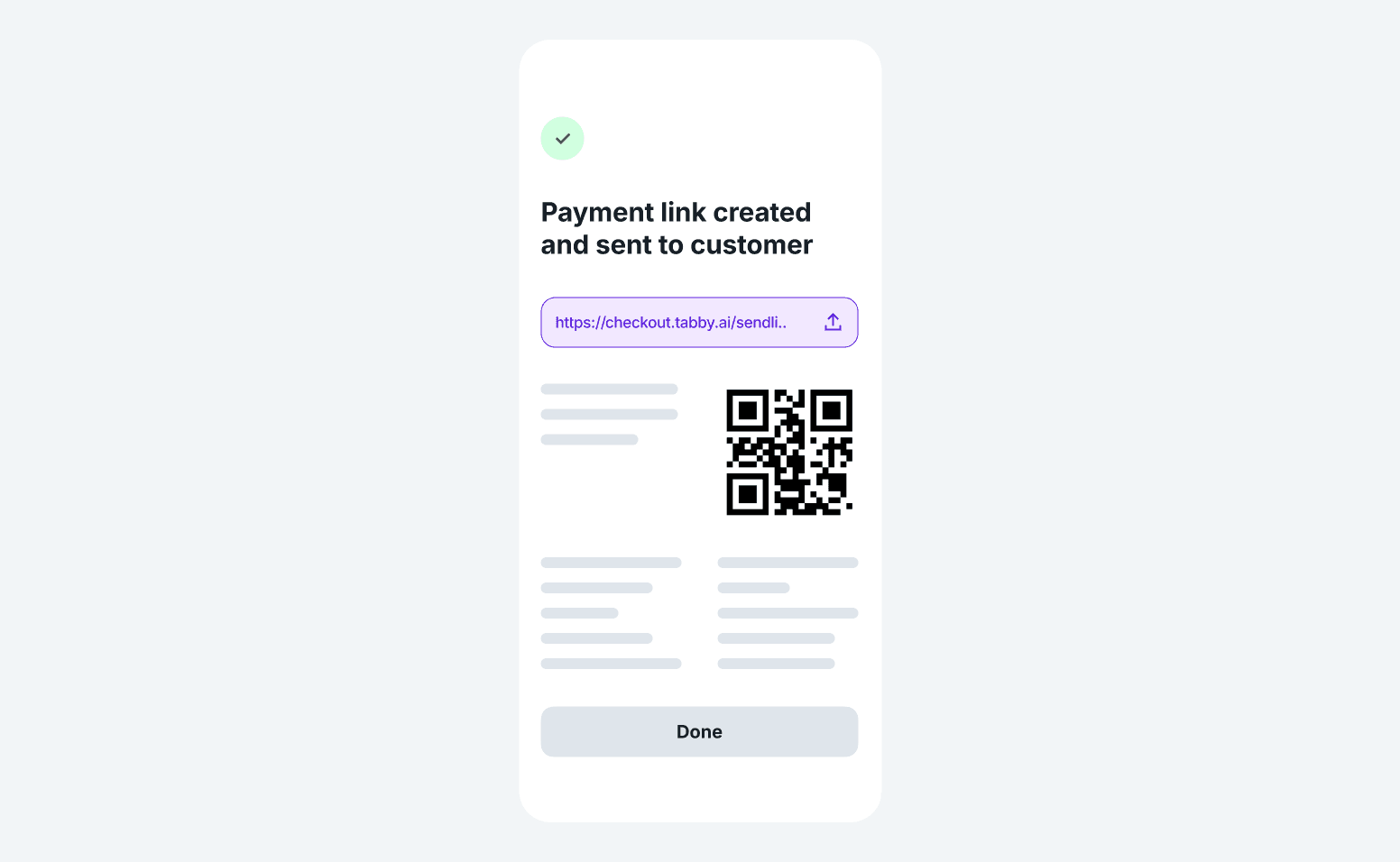
After payment link is sent
- The link will appear in your Orders list
- Order status will update to Captured once paid
- You can copy and resend the link manually if needed