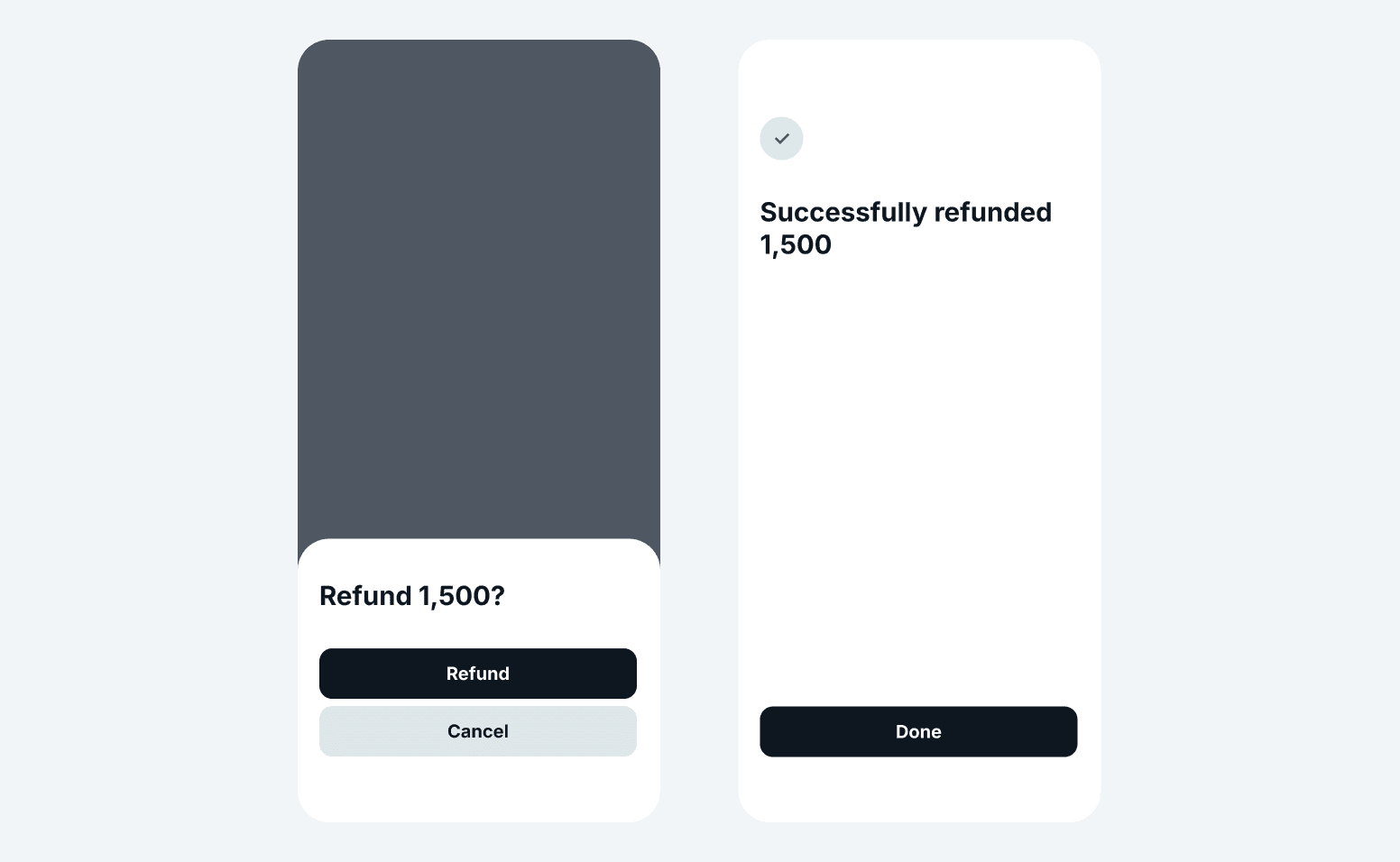
Making refunds from the Tabby Business app
Refunding shoppers through Tabby is quick and straightforward, ensuring a seamless experience for both you and your customers. Whether using the Tabby Merchant Dashboard or the Tabby Business app, refunds can be processed in just a few steps.
How to make a refund
1. In the Tabby Business app, go to Orders
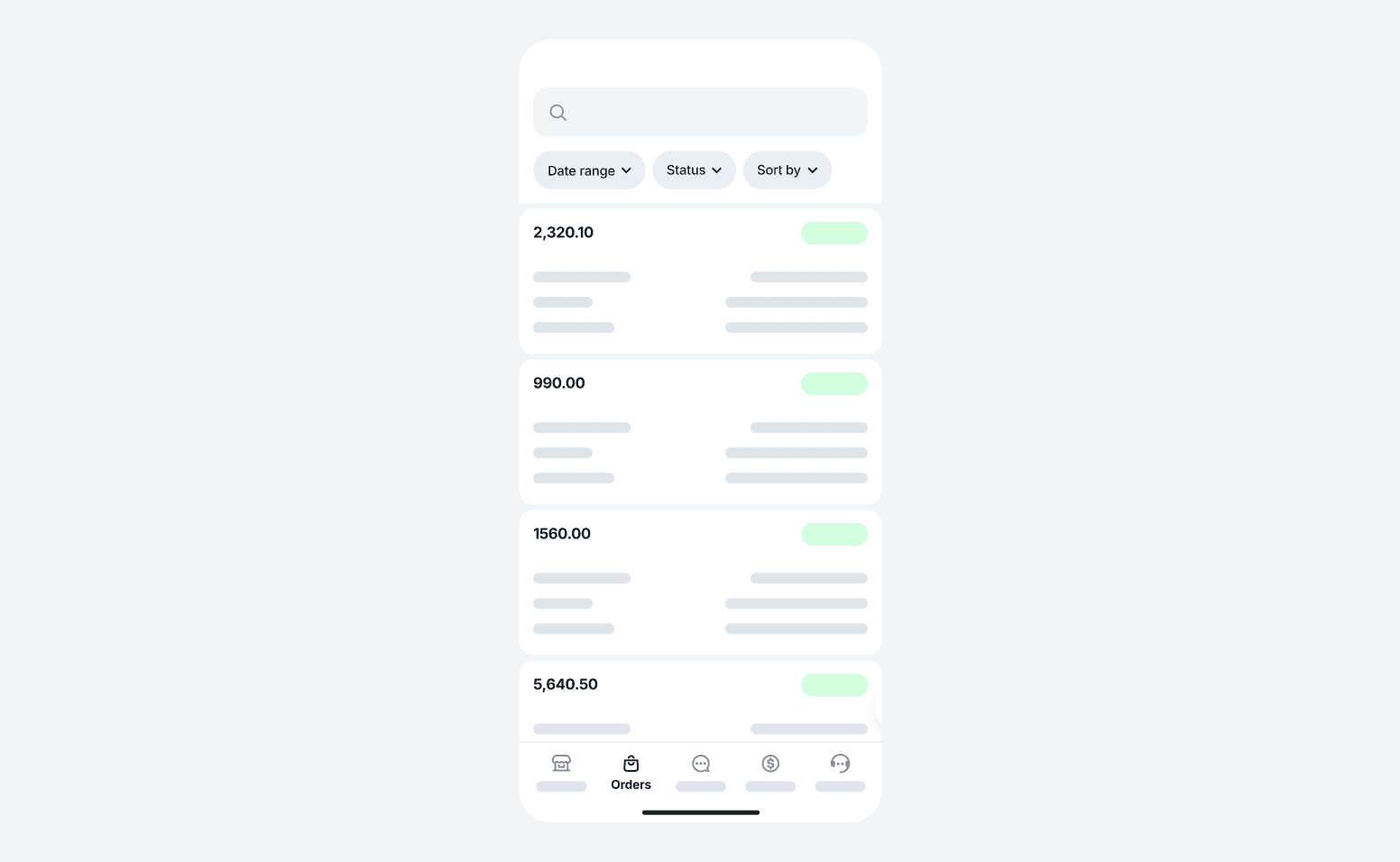
2. Find the order you want to refund by searching for shopper's order number or phone number
3. Tap the order to see the order details
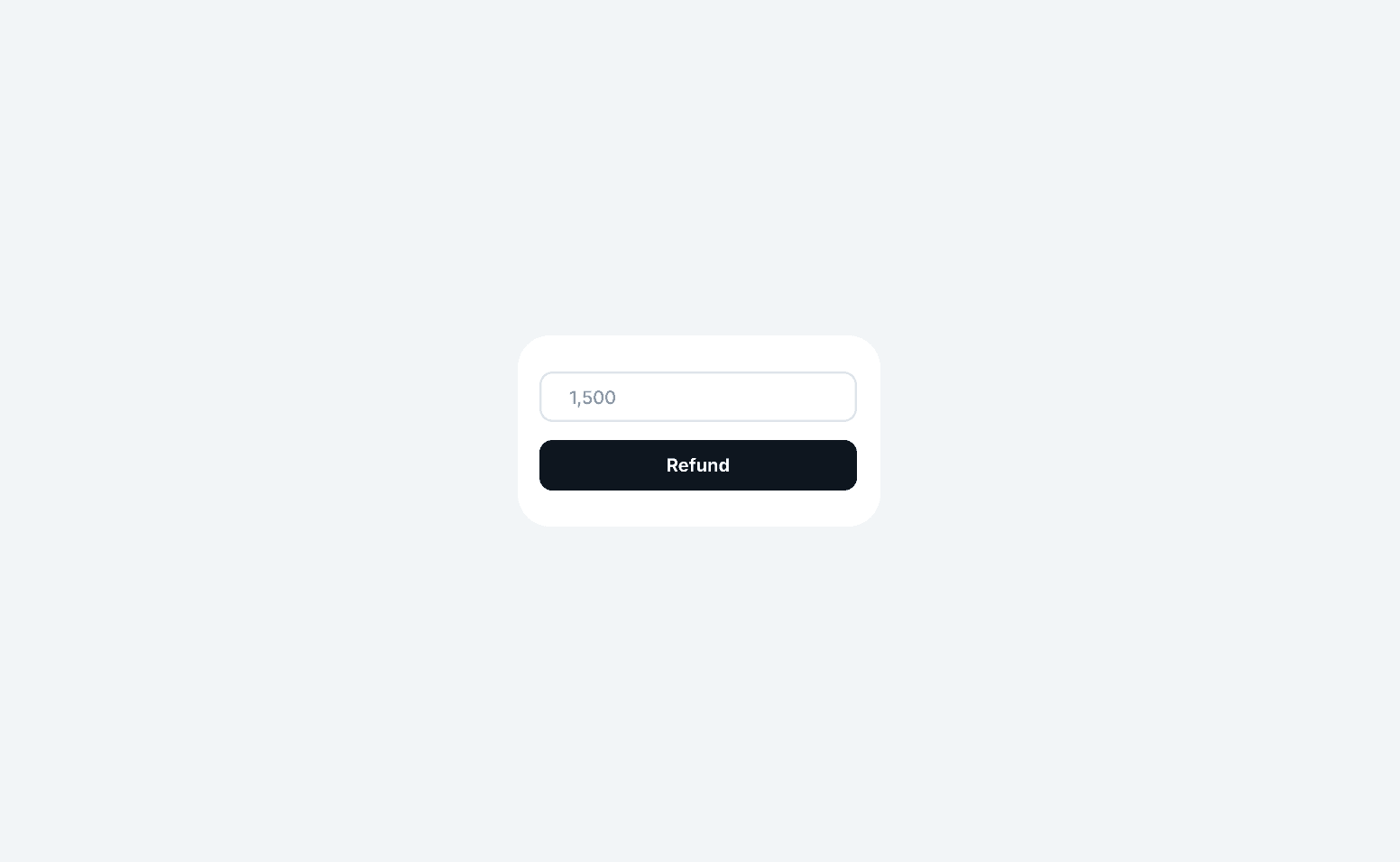
4. Select the items or the amount you want to refund
5. Confirm the amount and tap 'Refund'
6. The shopper receives a notification confirming the refund and the refund will be reflected in your next payout report.