Understanding payout reports
Payout reports provide a financial summary of your transactions. Go to Payouts in the Merchant Dashboard or Tabby Business App to view your payouts. You will also receive an email confirmation with your payout report attached. Key sections include:
- Sales
- Refunds
- Fees & Commissions
- Total payout
The Payout section will have a view for both Completed & Upcoming payouts.
In the Completed tab your past payouts are stored
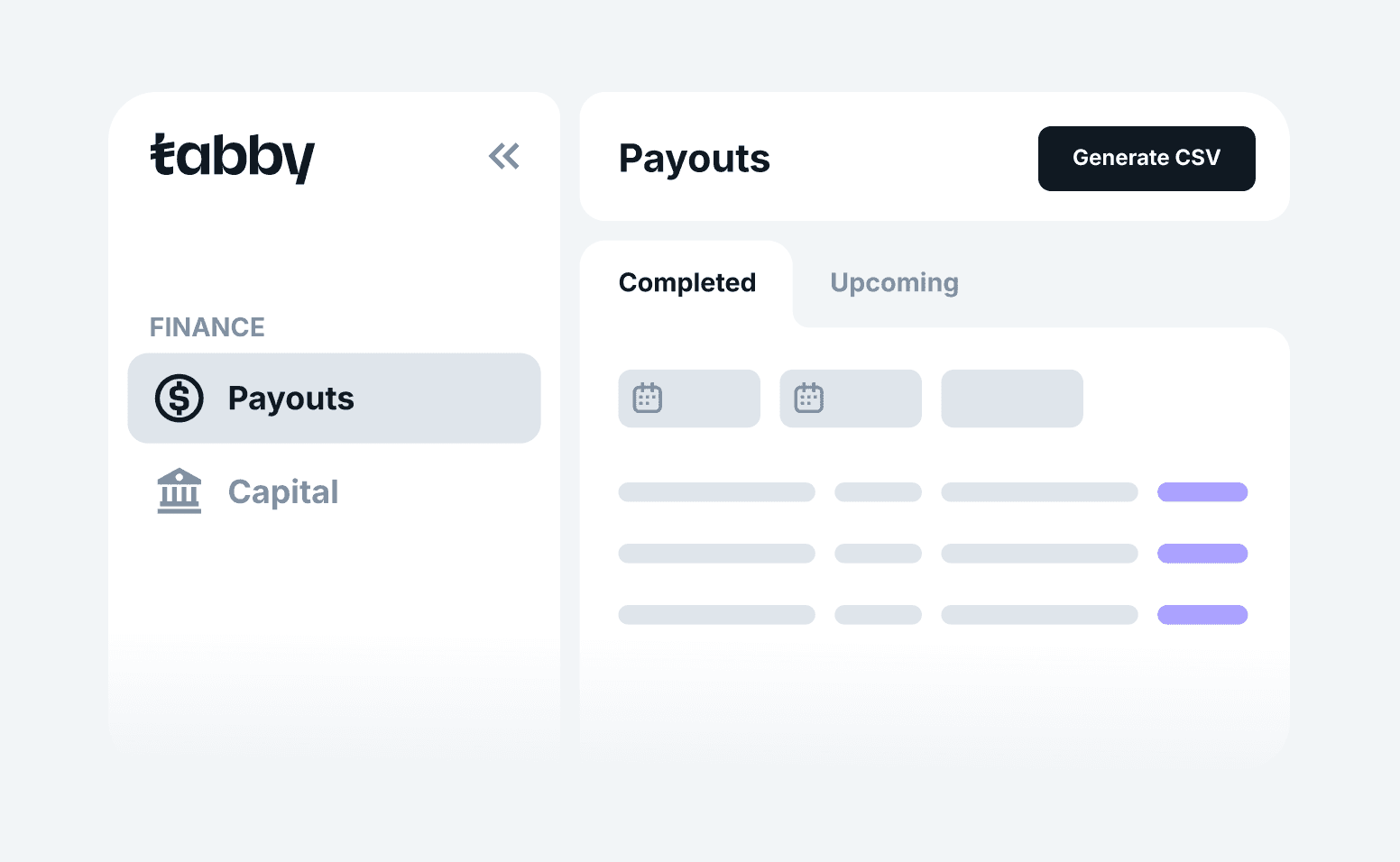
- Store: use this dropdown to filter by the relevant store
- Date: use this filter to view payouts within any specific date range.
- Sales: Total sales made with Tabby in the selected date period
- Refunds: Any refunds paid back to the shopper in the selected date period
- Fee & commissions: The total fixed fee + Tabby’s variable fee for that order
- VAT: VAT amount that is applied on the Tabby commission (not on the order value)
- Repayment: The amount automatically deducted by Tabby to repay your Capital
- Payout: The total amount sent to your bank account
- Download XLS
In the Upcoming tab you can get an indication of your upcoming payout.
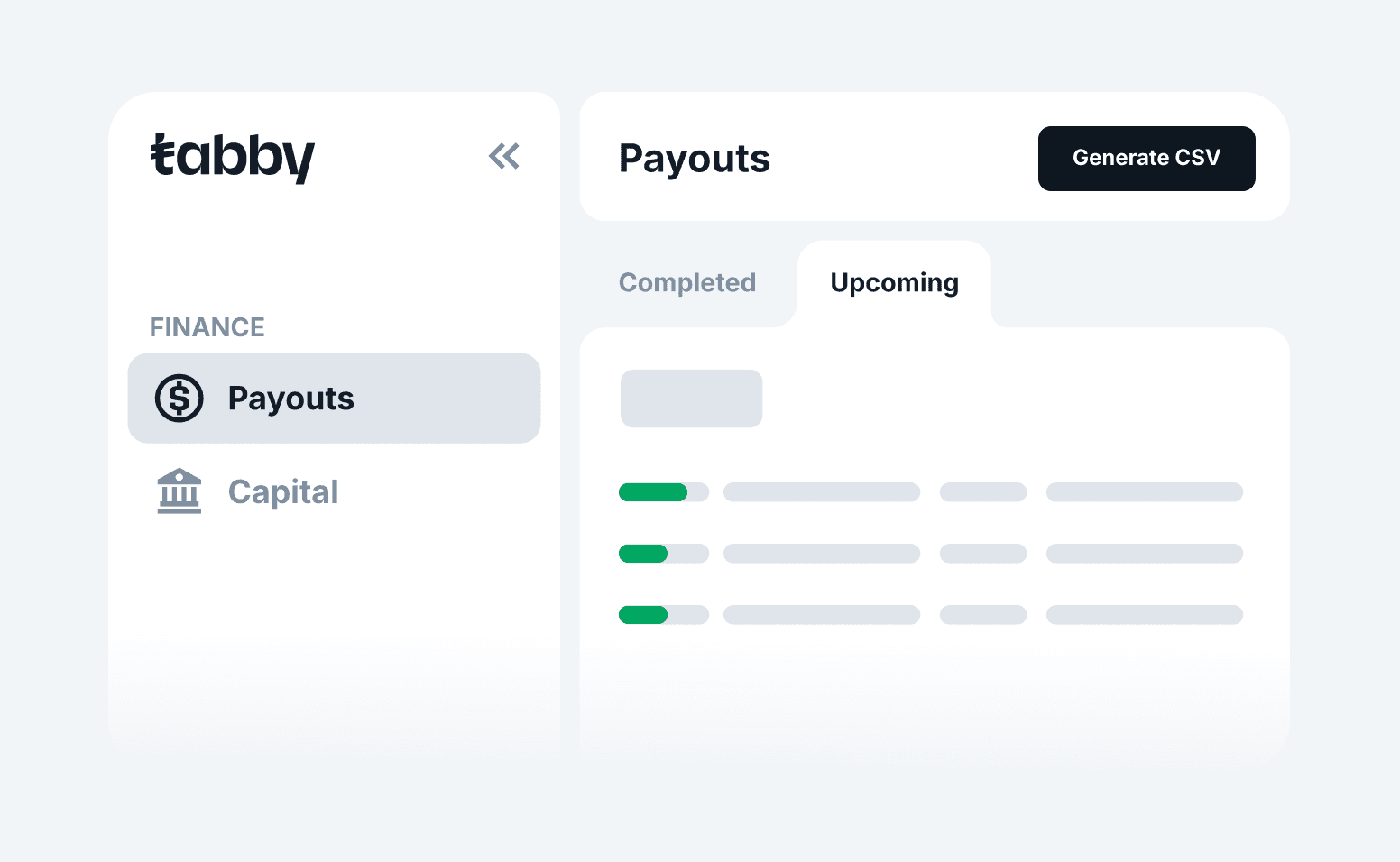
- Store: use this dropdown to filter by the relevant store
- Date: use this filter to view payouts within any specific date range.
- Status: The status of the payout from initiation to hitting your bank account
- Cycle: the chosen payout cycle for when to receive your funds
- Current amount: The total payout amount for the selected date period
- Threshold: Minimum amount of sales required to receive payout according to the payout cycle applied
- Sales: Total sales made with Tabby in the selected date period
- Refunds: Any refunds paid back to the shopper in the selected date period
- Fee & commissions: The total fixed fee + Tabby’s variable fee for that order
- VAT: VAT amount that is applied on the Tabby commission (not on the order value)
- Payout fee: Fixed amount deducted by Tabby per payout
Differences in expected payout amount
Is your payout amount different than what you expected? There are a few reasons why this could be the case.
- Your payout cycle may have changed, so this payout includes a different group of transactions in accordance with the new cycle
- Transactions might not be included because they were processed after the 21:00 UTC cutoff for payout reports
- You might have pending refunds and/or disputes
Fees, refunds & adjustments in payouts
Tabby deducts fees and commissions automatically while processing your payouts.
If a customer requests a refund after you’ve received a payout, the refund amount is deducted from your next payout.
If refund deductions exceed the payout balance, you may be required to transfer the excess amount back to Tabby.
Refer to the Refunds page for more information.