How to access disputes
1. Log in to your Tabby Merchant Dashboard
2. Navigate to the Disputes section from the main menu
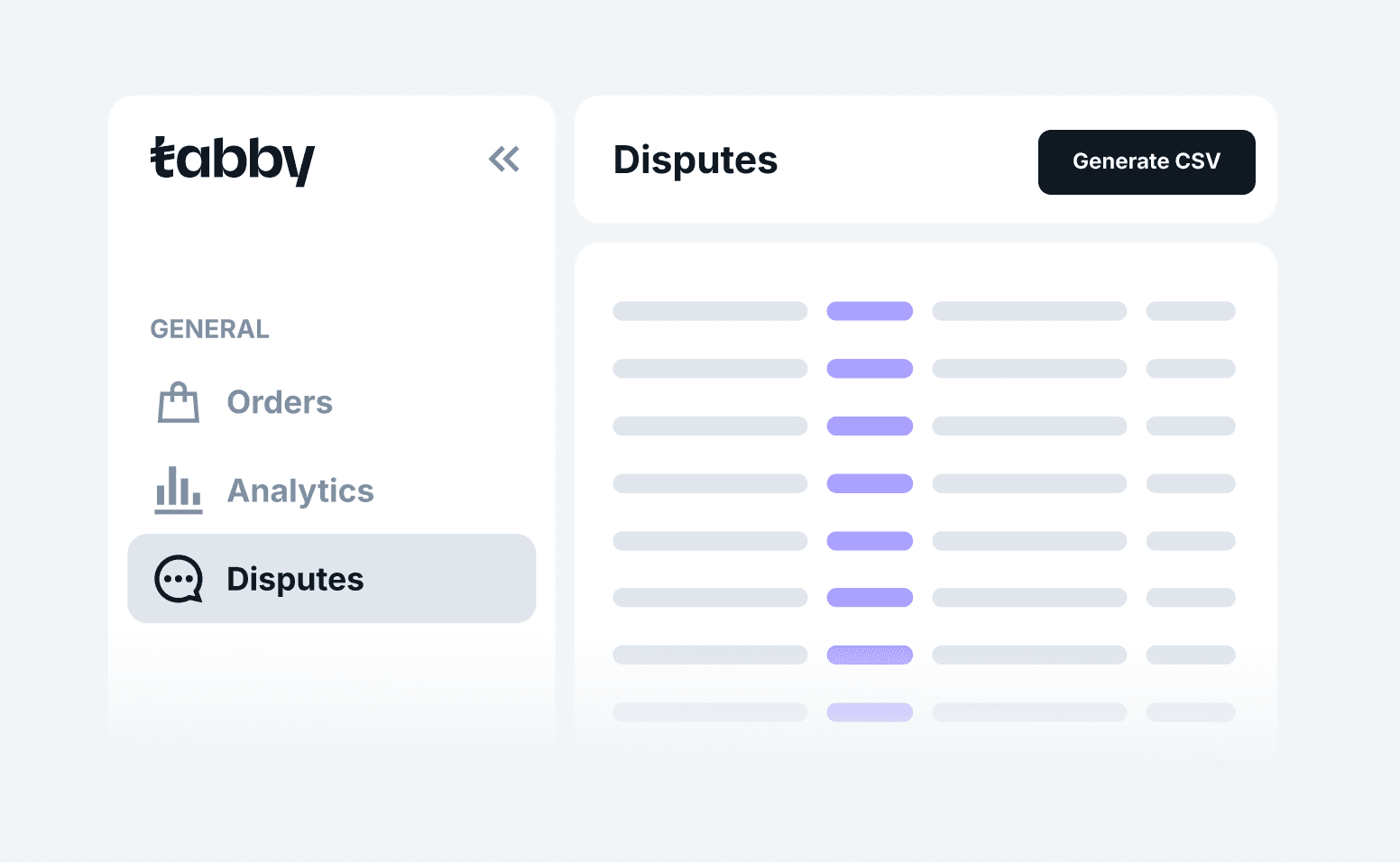
Here you'll find all disputes for your stores within the selected timeframe, including the creation date, days left to respond, customer details, and amount.
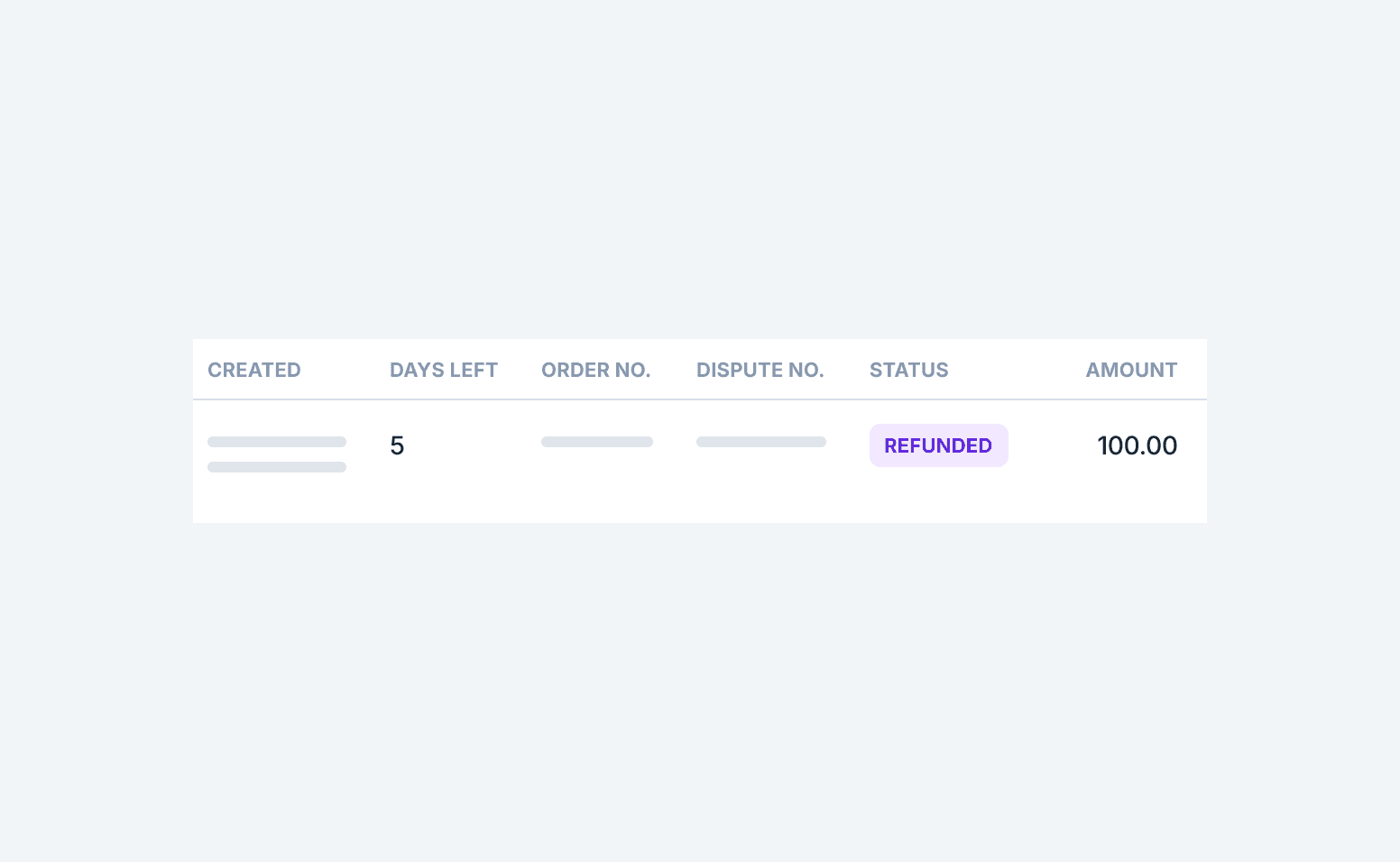
3. Select the dispute you want to manage
4. Review the details and shopper’s claim
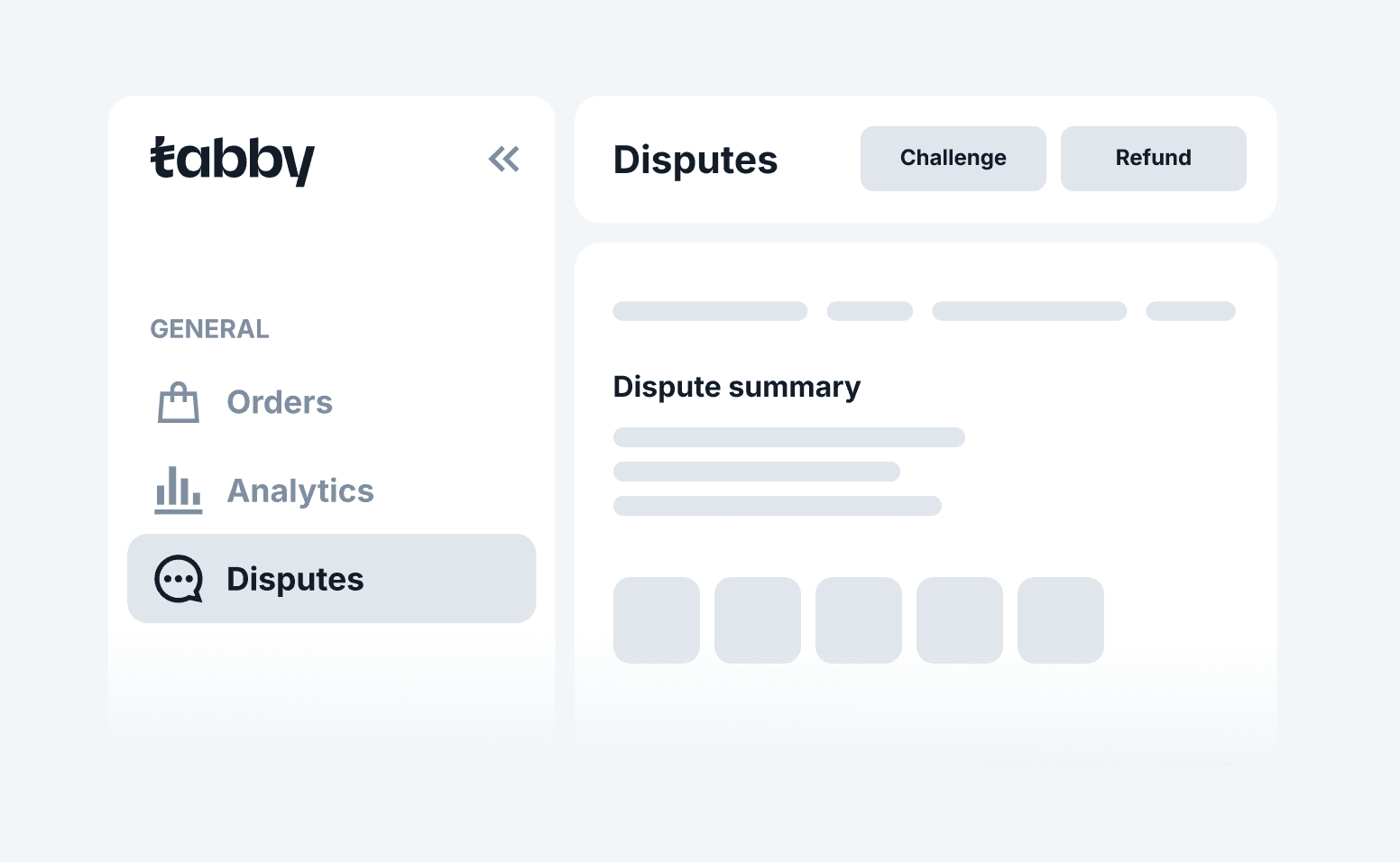
5. Choose to Approve or Challenge
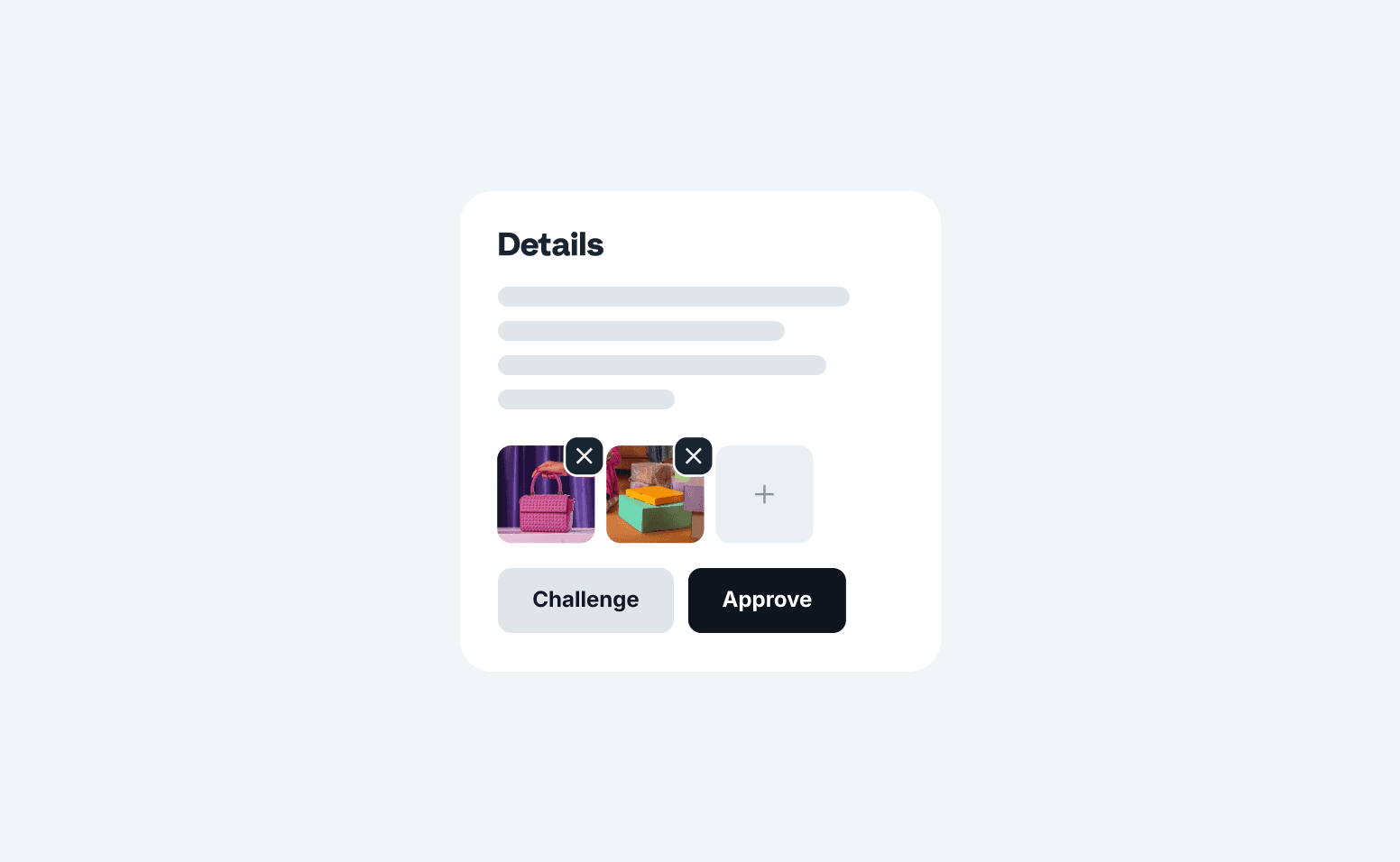
6. If challenged, provide a reason for challenging and upload evidence