A faster way to pay
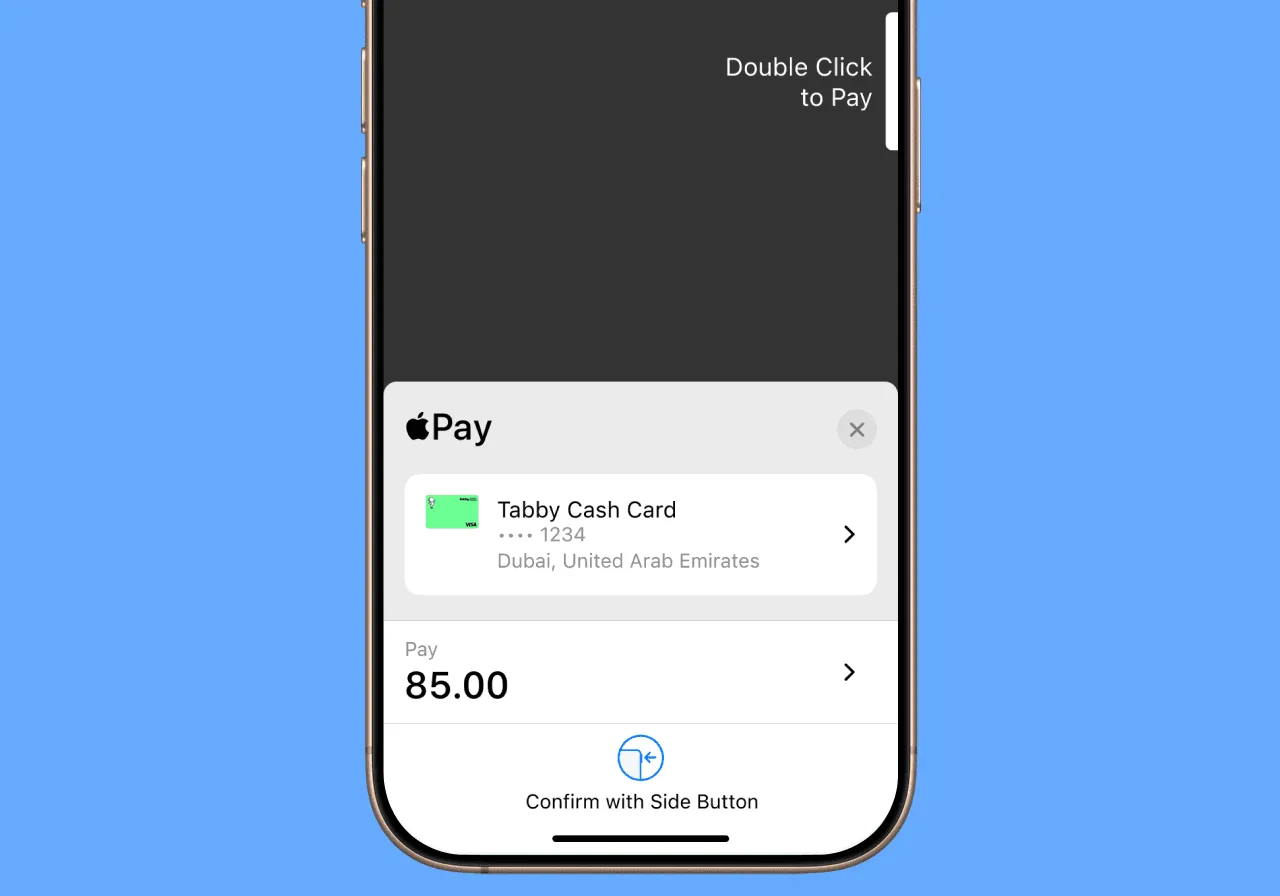
Pay in seconds with a double-click on your iPhone or Apple Watch.
Pay in-store or online with your Tabby Card or Cash Card using your iPhone or Apple Watch.
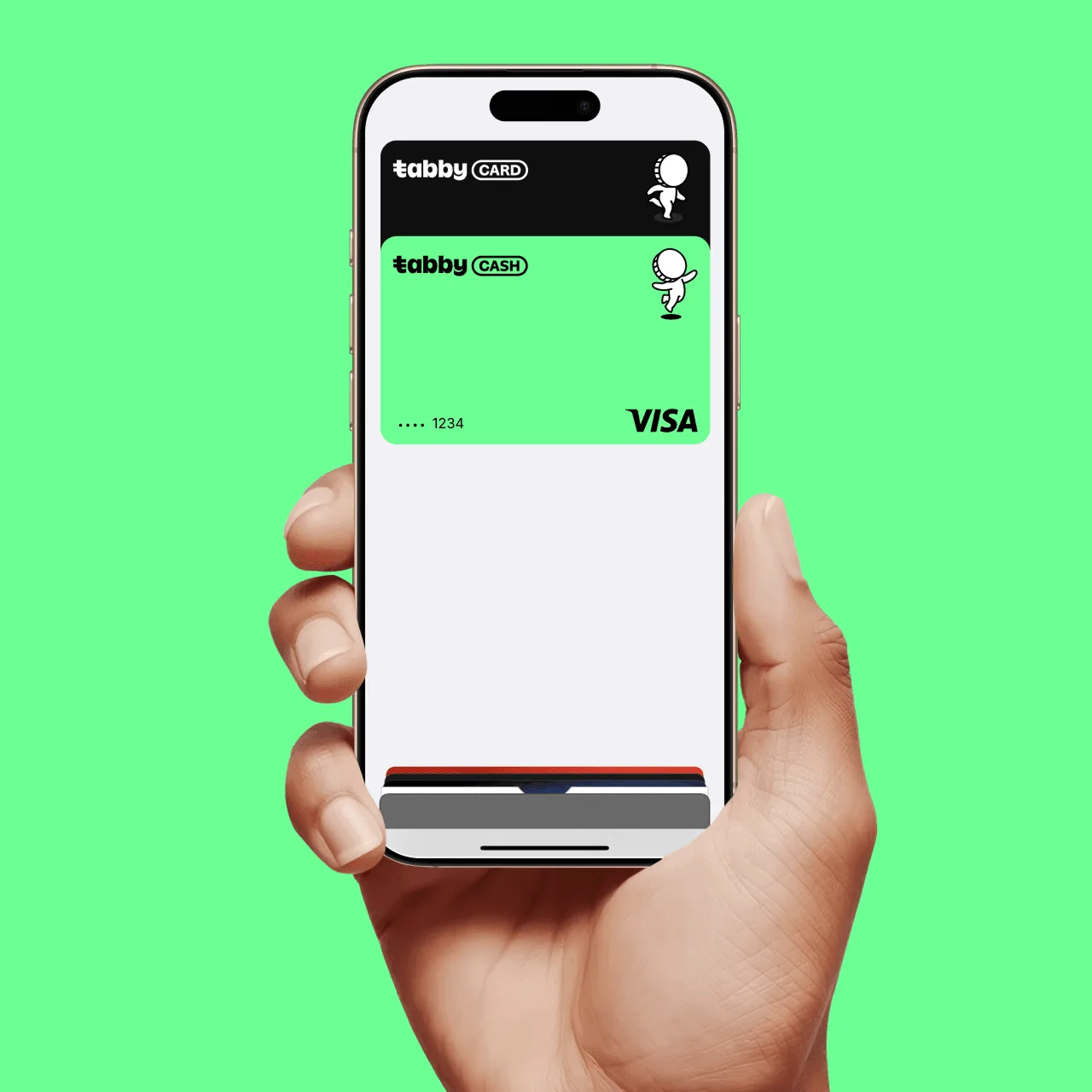
Pay in seconds with a double-click on your iPhone or Apple Watch.
Built-in security with Face ID or Touch ID, only you can approve payments.
Use Apple Pay anywhere contactless payments are accepted online or in-store.

Open Apple Wallet on your iPhone and tap the plus sign (+) to get started. You also have the option to add your cards to any paired Apple Watch.

Set either card as your default in Apple Wallet so it's ready every time you tap. No switching, no selecting at checkout.
Double-click. Face ID. Tap. And you’re done before the next person even grabs their wallet.
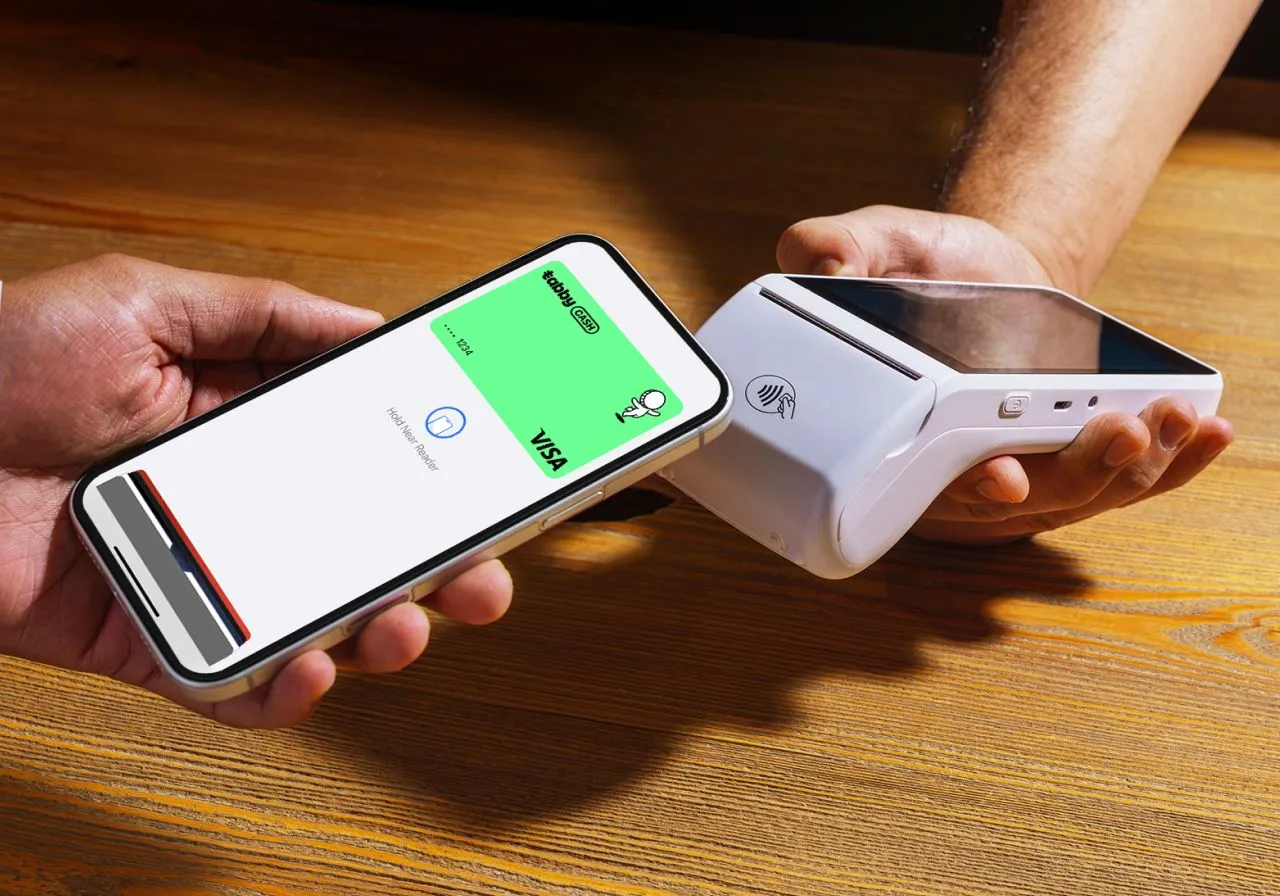
Look for Apple Pay at checkout. Tap, use Face ID, and you’re done—details fill in automatically.
You have questions? We've got some answers.
Yes. Your cards are digital, so adding them to Apple Wallet is how you activate them for payments. Once added, you're ready to tap anywhere Apple Pay is accepted.
When you pay with Tabby Card or Tabby Cash Card using Apple Pay, you’ll earn cashback as long as you’ve selected your monthly categories and shop within those categories.
Apple Pay is simply a secure way to pay, your cashback rules and card benefits stay the same.
Apple Pay works on iPhone, iPad, Apple Watch, and Mac models that support the feature.
For full device compatibility details, see Apple’s official list.
Yes. No extra charges for using Apple Pay with your Tabby Card or Cash Card.
If your device is lost or stolen, contact us immediately so we can block your Tabby Card or Cash Card and keep your account secure.
Once you get a new device, you can simply add your Tabby Card or Cash Card to Apple Wallet again and continue using it.
You can reach us: